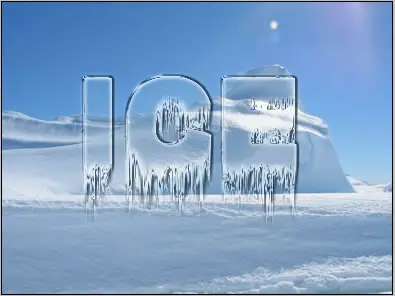
ICE Text Effect
Today's I want to create a nice looking ice text effect using adobe photoshop. It's look real ice!
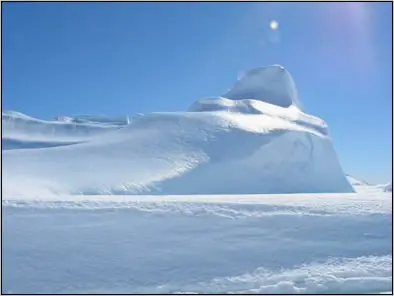
Step 1: First, open any image in photoshop to create ice text.
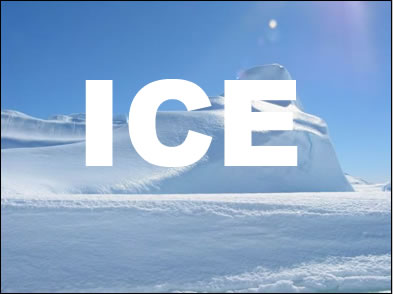
Step 2:In this step create the text you like using Type tool (I choose Arial Black; 120 pt; white text color).
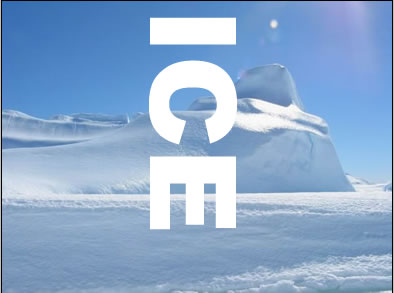
Step 3: Now go to Rasterize layer (Layer>Rasterize>Type) and then
go to Edit>Transfortm>Roatate 90o CCW.
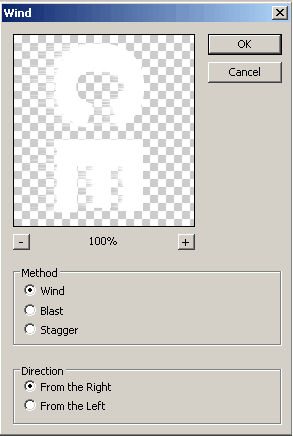
Step 4: To make icicles, go to Filter>Stylize>Wind and use these settings.
Do this two times.
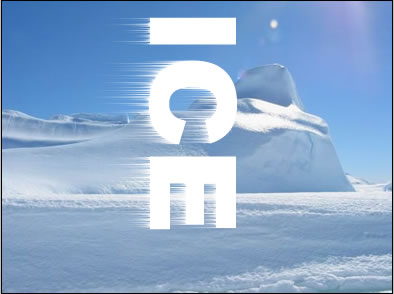
Step 5:Rotate the canvas back to normal with Edit>Transfortm>Roatate 90o CCW.
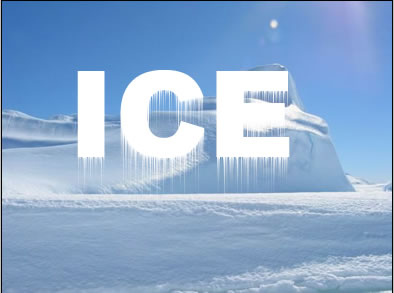
Step 6: In this setup select the content of layer (press Ctrl key and then click on the text layer)
and then fill with light blue color like #4E84A0, using Paint Bucket Tool.
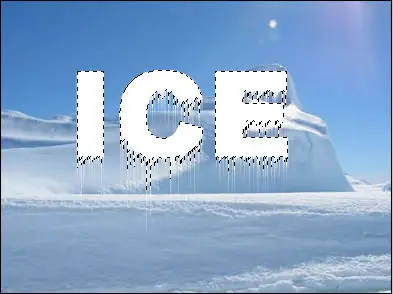
In Layers palette, set the Fill of the layer to 5%.
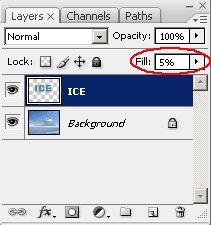
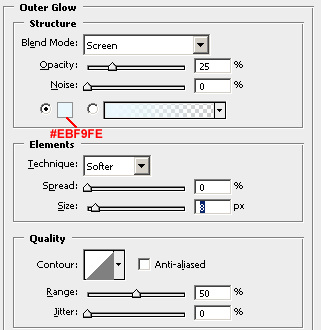
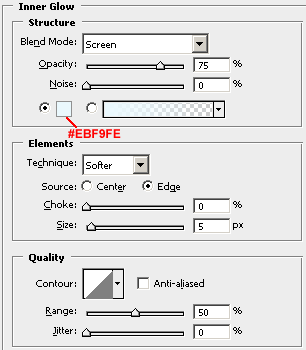
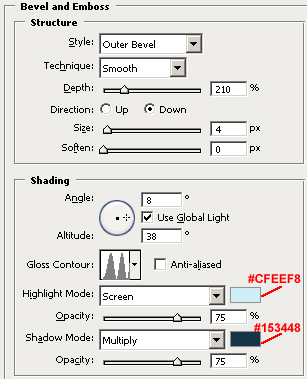
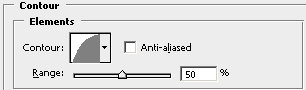
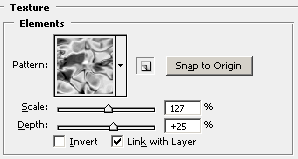
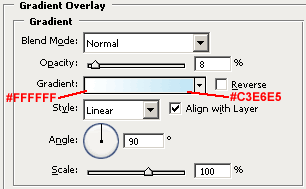
Step 6: Go to Layer>Layer Style and use these settings:
Here's is the Final Result!: