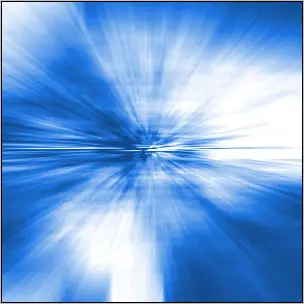
Blast Effect
In this tutorial we are going to create blast Effect.
Step 1: Create a new document with new 300x300 with white background. Then press 'D' to reset the colors.
Step 2: Go to Filter> Render> Clouds.
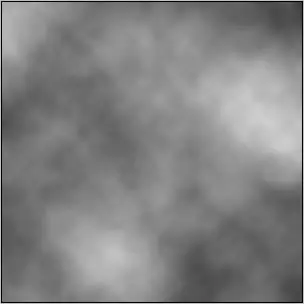
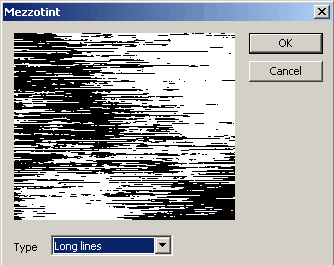
Step 3: In this step go to Filter> Pixelate> Mezzotint and select Long Lines.
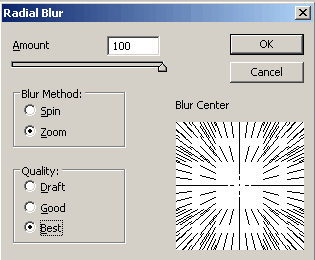
Step 4: Now go to Filter> Blur> Radial Blur and apply these settings:
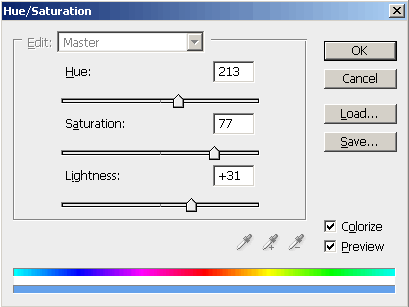
Step 5: In the final step, to add some color, so go to Image> Adjustments> Hue/Saturation or press Ctrl+U and
use these settings:
Here's is the Final Result!: